

Database Design for Enterprise Applications: A Practical Engineering Guide
Database design for enterprise applications is the discipline of structuring data models, schemas, and infrastructure so a system stays correct, fast, and maintainable as both the application and the organization grow. It covers relational and non-relational modeling, normalization and denormalization trade-offs, indexing and query performance, and the scaling patterns — partitioning, replication, caching — that keep a database healthy at real production load. Good database design is invisible when done well and expensive to fix when done poorly, which is why it deserves the same engineering rigor as any other part of the system.
- Engineering-Led
- Enterprise-Grade Patterns
- Long-Term Maintainability
- Practical, Not Generic
- Scalability-First
The short version
Database design is the part of a system that's hardest to change after the fact — a poorly modeled schema doesn't just slow down queries, it constrains every feature built on top of it for years. This guide treats database design as a first-class architectural discipline, not an afterthought handled by whoever writes the first migration.
It walks through why database design matters at all, the relational-versus-non-relational decision, core data modeling principles illustrated through real enterprise patterns — user management, permissions, orders, audit trails, AI metadata, and more — and then goes deeper into normalization, indexing, performance, and scaling specifically.
It also covers the common, avoidable mistakes that turn a reasonable schema into a maintenance burden — missing indexes, over- and under-normalization, poor naming, and the absence of a real migration or backup strategy.
This is not a generic SQL tutorial. The focus throughout is enterprise software architecture — how schema decisions affect scalability, data integrity, and the ability of a team to keep building on the system five years from now without a costly rewrite.
Read in order, the sections below move from principle to practice — why database design matters, relational versus non-relational modeling, concrete data modeling patterns for common enterprise domains, normalization and denormalization trade-offs, indexing and performance, how enterprise databases actually scale, and the mistakes that most often derail all of it.
Why database design matters
A database schema is one of the few architectural decisions that genuinely outlives a codebase's original team, its original framework, and often its original business model. Getting it right early is dramatically cheaper than fixing it later, once real data and real dependencies have accumulated on top of it — and unlike most code, a schema rarely gets rewritten from scratch once it's live.
- The Foundation Everything Else Is Built On
Application code, APIs, and business logic all sit on top of the schema — a structural flaw in the data model surfaces as a symptom everywhere else in the system, not just in the database itself.
- The Cost of Bad Design Compounds
A missing constraint or an unclear relationship is cheap to fix on day one and expensive to fix once thousands of rows and dozens of features depend on the current, incorrect shape of the data.
- ACID Transactions Protect Data Integrity
Atomic, Consistent, Isolated, and Durable transactions are what let an application trust that a multi-step operation either fully happens or fully doesn't — a guarantee that's easy to take for granted until it's missing.
- Data Integrity Is a Business Asset
Correct, trustworthy data is what every report, every dashboard, and every business decision downstream of the application ultimately depends on — data integrity failures are rarely just a technical problem.
- Schema Debt Is Technical Debt
An unclear or inconsistent schema accumulates the same way sloppy code does, except migrations are riskier than refactors, which means schema debt tends to get deferred rather than paid down.
- Design Decisions Outlive the Original Team
The engineers who eventually inherit a schema rarely have the context the original team had — clear, well-documented, deliberately designed schemas are a form of institutional memory that survives team turnover.

Relational vs. non-relational data
Most enterprise systems still default to relational databases, and for good reason — but understanding what each model actually optimizes for is what makes that choice deliberate instead of automatic, and what makes it possible to mix models when a specific workload genuinely calls for it.
Data modeling principles, through real enterprise patterns
Data modeling principles are easiest to explain through the schema patterns that show up in almost every enterprise application, regardless of industry — the specific domain changes, but the underlying structural decisions repeat, which is why recognizing the pattern matters more than memorizing a rule.

User Management & Authentication

Permissions & Role-Based Access

Orders & Invoices
Product Catalogs

Notifications

Audit Trails & Logs

AI Metadata

Document Storage
Normalization and denormalization, in practice
Normalization and denormalization aren't opposing philosophies — they're tools applied deliberately to different parts of the same schema, depending on whether a given table optimizes for write integrity or read performance, and a mature schema usually applies both, table by table.
How enterprise databases actually scale
- Vertical Scaling
Adding more CPU, memory, or faster storage to a single database instance is the simplest scaling step, and for many enterprise workloads it delays the need for anything more complex by a meaningful margin.
- Partitioning
Splitting a very large table into smaller, more manageable pieces — by range, list, or hash — keeps queries fast as row counts grow well past what a single unpartitioned table can comfortably serve.
- Replication
Maintaining synchronized copies of the database across multiple servers supports both failover and read scaling, at the cost of real complexity around replication lag and consistency guarantees.
- Read Replicas
Offloading read-heavy traffic to one or more replicas is often the first real scaling step a growing application takes, since most enterprise applications read far more than they write.
- Caching Layers
A cache in front of the database absorbs repeated reads for data that doesn't change on every request, reducing load on the database itself far more cheaply than scaling the database directly.
- Connection Pooling
As concurrent application instances grow, a connection pooler becomes necessary to avoid exhausting the database's maximum connection limit, which is a surprisingly common, entirely avoidable production incident.
- Horizontal Scaling & Sharding
Splitting data across multiple database instances by a shard key supports write scaling well beyond what a single instance can handle, at the cost of cross-shard queries becoming meaningfully harder.
- High Availability
Automated failover, health checks, and a tested recovery process are what keep a database incident from becoming a full outage — high availability is an operational investment, not a database feature you simply turn on.
Common mistakes in enterprise database design
The recurring, avoidable mistakes that turn a reasonable schema into a long-term liability — most of them are invisible at launch and only become expensive once real data, real scale, and real production usage patterns expose them.
Indexing & Performance Optimisation
Indexing and query performance are where database design meets real production behavior — a schema that looks correct on a whiteboard can still perform badly if these decisions aren't made deliberately, based on how the application actually queries the data rather than how it was originally imagined to.
- 01Query Optimization
Understand what the database's query planner actually does with a given query, since intuition about performance is frequently wrong until it's checked against a real execution plan.
- Focus:
- Queries whose execution plans are understood and measured, not just assumed to be fast.
- Team owns:
- Flagging the specific queries and pages where performance is actually a problem for real users.
- 02Indexing Strategy
Design indexes around the application's actual query patterns — composite indexes, covering indexes, and partial indexes each solve a different concrete performance problem.
- Focus:
- An indexing strategy matched to the queries the application actually runs, not a default index on every column.
- Team owns:
- Prioritizing which user-facing operations need to be fast versus which can tolerate more latency.
- 03Avoiding N+1 Queries
Catch the specific, extremely common pattern where fetching a list triggers one additional query per item, which is invisible with test data and severe at real production scale.
- Focus:
- Data-fetching code that loads related data in batches instead of one query per row.
- Team owns:
- None required — this is an internal engineering discipline, not a decision that needs business input.
- 04Monitoring & Profiling
Instrument slow query logs, connection counts, and cache hit rates directly, since these are the signals that reveal a performance problem before users start noticing it themselves.
- Focus:
- Dashboards and alerts tracking the specific database metrics that matter for the application's actual workload.
- Team owns:
- Agreeing on the performance thresholds that should trigger an alert versus a routine check.
Frequently asked questions
Technologies referenced in this guide
The stack choices referenced throughout this guide, explained in more technical depth.
PostgreSQL Development
We design and operate PostgreSQL databases for enterprise software — schema design, replication, and partitioning architected around the domain's actual data integrity and scale requirements, not a generic reference schema.
Explore the stackRedis Development
We architect Redis into enterprise software as more than a cache — distributed sessions, queues, pub/sub, and rate limiting designed around the actual concurrency and data-loss tolerance a system needs.
Explore the stackLaravel Development
We build enterprise backend systems with Laravel — custom APIs, business software, and SaaS platforms architected for security, scalability, and long-term maintainability.
Explore the stackNode.js Development
We build enterprise backend systems with Node.js — REST APIs, real-time applications, and event-driven microservices architected for concurrency, scalability, and high availability.
Explore the stackREST API Development
We design and build enterprise REST APIs — resource modeling, authentication, versioning, and rate limiting architected as long-term contracts, not endpoints assembled to make one client work.
Explore the stackServices this guide applies to
The engagement types this guide is written around.
Custom Software Development
We design and build custom business software engineered around your operations, not adapted from off-the-shelf products.
Explore the serviceAI Development
We design and build production-ready AI systems, LLM integrations, AI agents, RAG platforms, workflow automation and intelligent business software.
Explore the serviceBusiness Automation
Automate repetitive processes, connect disconnected systems and eliminate manual work through intelligent workflows, integrations and AI-powered automation.
Explore the serviceWhat this looks like once built
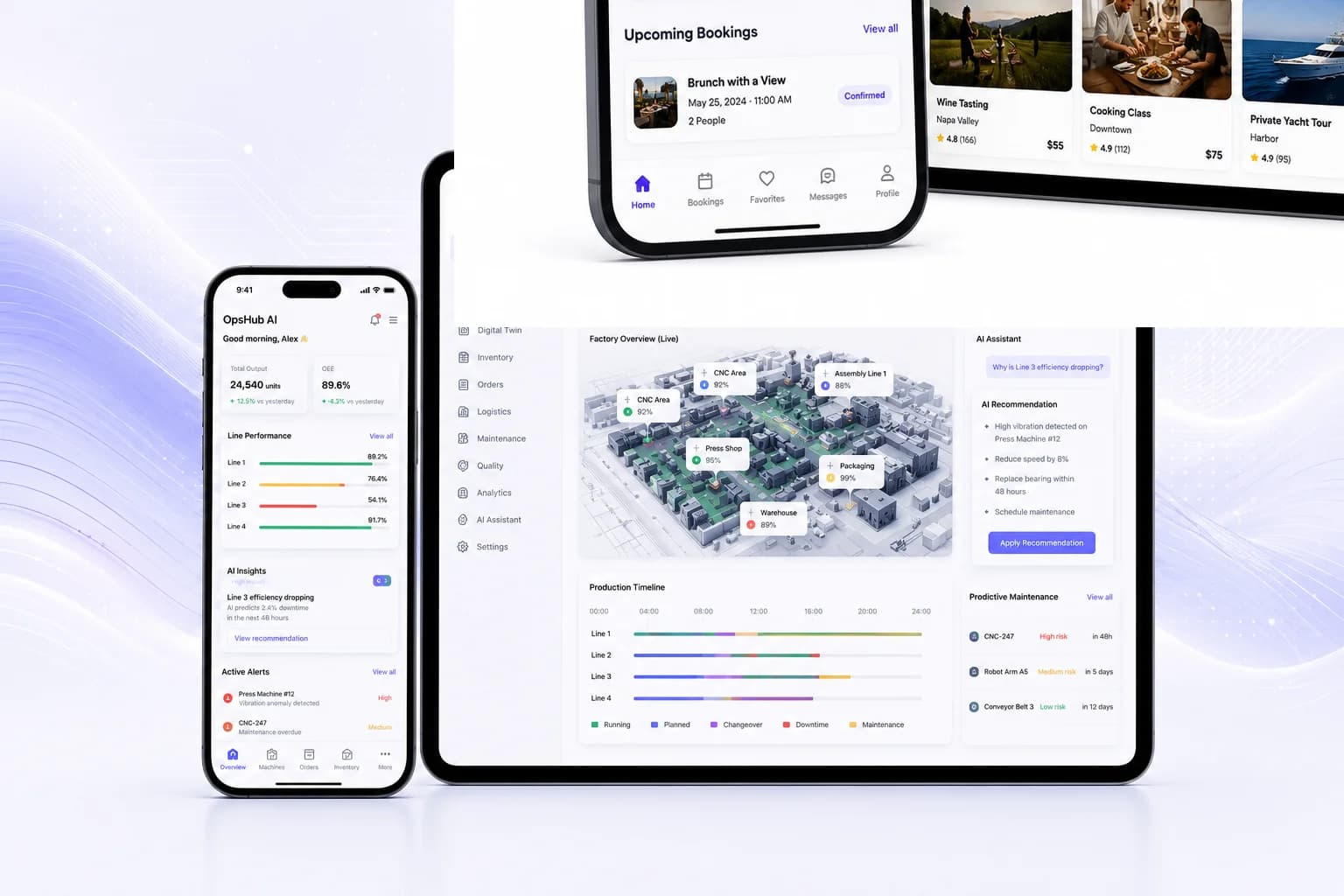
Reference architectures from our Representative Solutions collection that put this guide's ideas into practice.

More guides worth reading
Other guides that go deeper on topics this one touches on.
PostgreSQL vs. MySQL: A Practical Engineering Comparison
PostgreSQL and MySQL are both mature, open-source relational databases, and either can power a serious production system. PostgreSQL is an object-relational database built around strict standards compliance, a single storage engine, and deep extensibility — strong ACID guarantees, native JSON/JSONB, and extensions like PostGIS. MySQL is a widely adopted relational database with a pluggable storage engine architecture, historically favored for its operational simplicity and read-heavy web workloads. Neither is universally better — this guide compares them on the engineering dimensions that actually decide long-term maintainability, remaining vendor-neutral throughout.
Read the guideAPI-First Architecture for Enterprise Software
API-first architecture means designing and agreeing on an API's contract before writing the implementation behind it, so every client — web, mobile, partner integrations, AI systems — builds against a stable interface instead of whatever the backend happens to expose. This guide explains how that discipline is actually applied in enterprise systems, not the marketing version of the idea.
Read the guideSaaS Architecture: A Practical Engineering Guide for Enterprise Platforms
SaaS architecture is the set of engineering decisions that let a single codebase and infrastructure serve many customer organizations reliably, securely, and cost-effectively — multi-tenancy strategy, authentication and authorization, billing and subscription systems, and the scalability and security patterns that hold up under real enterprise load. It's not one specific stack or diagram; it's a set of trade-offs a team makes deliberately, based on the product's actual tenant count, compliance requirements, and growth trajectory, rather than copying whatever architecture a well-known SaaS company happens to use.
Read the guidePurpose-built platforms in this space
Dedicated landing pages for the specific platforms this guide relates to.
Custom CRM Software Development Company
Custom CRM platforms that centralise customer relationships and automate sales and service workflows.
See the solutionCustom ERP Software Development Company
Custom ERP platforms that centralise operations and connect every department on one scalable system.
See the solutionManufacturing Software Development Company
Industrial software and smart factory platforms that improve production efficiency and visibility.
See the solutionFor CTOs and technical leadership
Executive-level engagements for organisations planning at a larger scale.
Software Architecture Consulting Services
Scalable, secure, and maintainable software architecture designed to support long-term business growth.
Explore the programLegacy Software Modernization Consulting
A structured engineering approach to modernising legacy software while cutting migration risk.
Explore the programReady to start your project?
Tell us what you're building — we'll tell you honestly whether we're the right fit.
No sales pressure. Just a direct technical conversation.